Case study · Residential · West Bengal
224 flats, each one open on a buyer's phone.
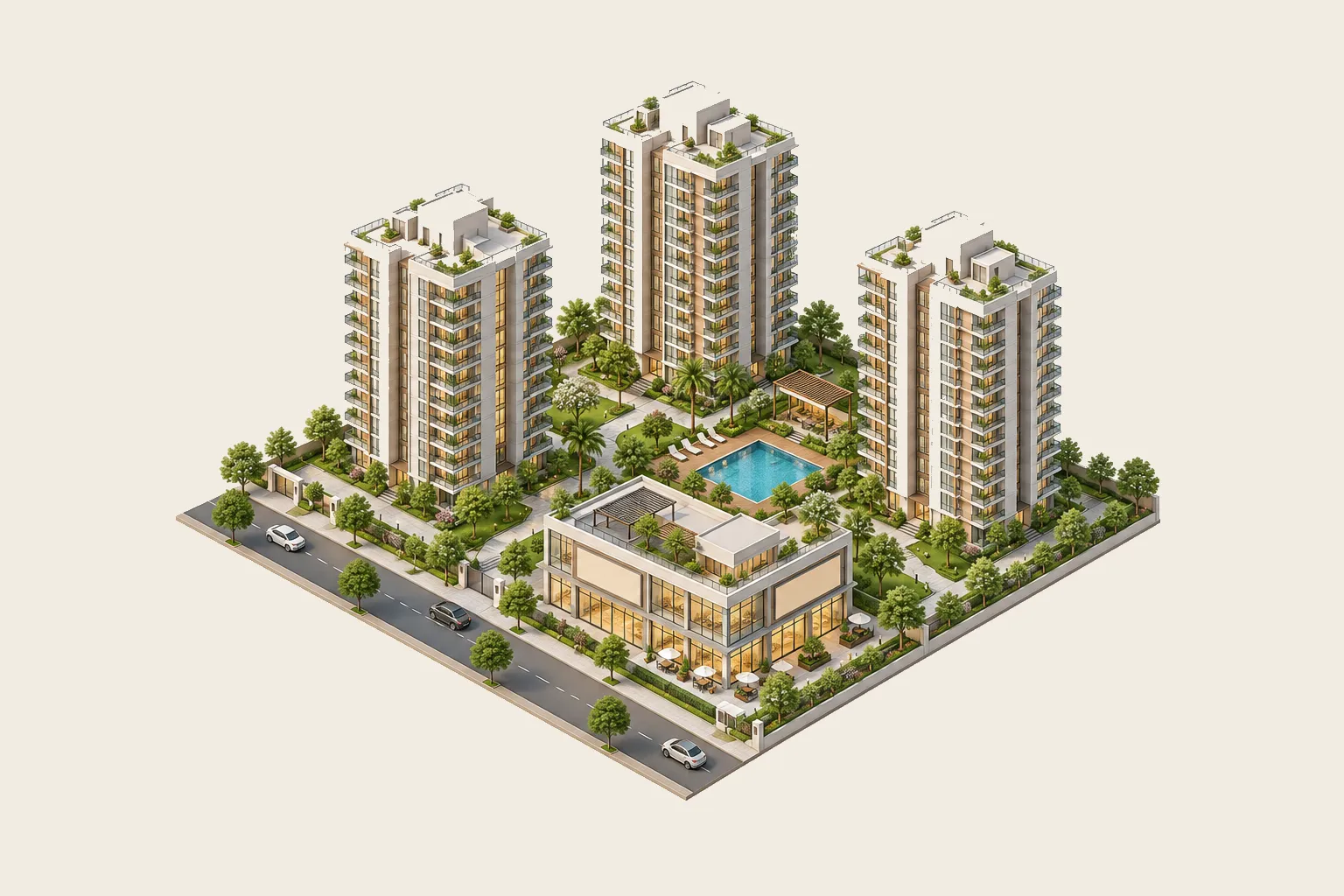
A residential developer on NH-19 was selling three towers that didn't exist yet. We turned their drawings into a 3D walkthrough their sales team sends as a link.
- Towers
- 3
- Floors
- G+13
- Flats
- 224
- Layouts
- 23
Presales film
Made from the 3D model, before the first brick was laid.
35 seconds · artist's impression
The brief
Let buyers choose a flat with confidence, without visiting a site that's still an empty plot.
Buyers were being shown one aerial picture and a printed plan. The developer wanted every buyer to see their own flat, its view and its light, before the first visit.
No 3D files
We had sanction drawings and a printed area table. Nothing else. Every wall came from the drawings.
224 flats, 23 layouts
Each flat had to be exact: built-up and carpet area, the door's facing, the view from its windows.
Phones in a tier-2 city
Most buyers open links on a mid-range Android over 4G. It had to load fast and stay smooth there.
Rooms that look real
Buyers judge the interiors hardest. Every room is rendered with real light, not game graphics.
Inside the walkthrough
Every room, every view, every flat. On the buyer's phone.
 01Room by room02Enquire in one tap03Flat, area, floor
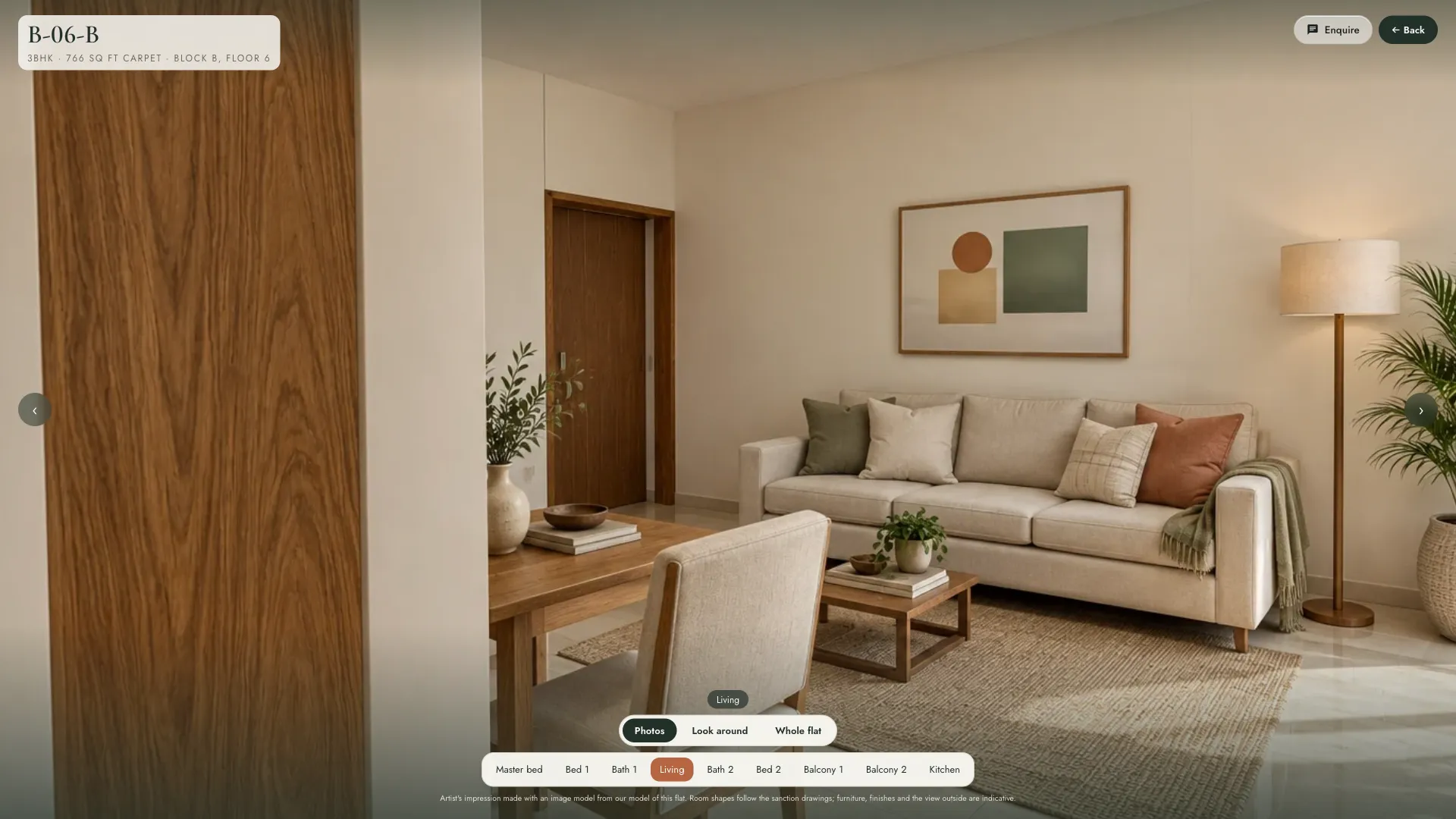
Every room, rendered
Buyers step from room to room with the tabs below, or switch to a 360° view and look around.
 01Tap a room to stand in it02Photos, 360°, plan
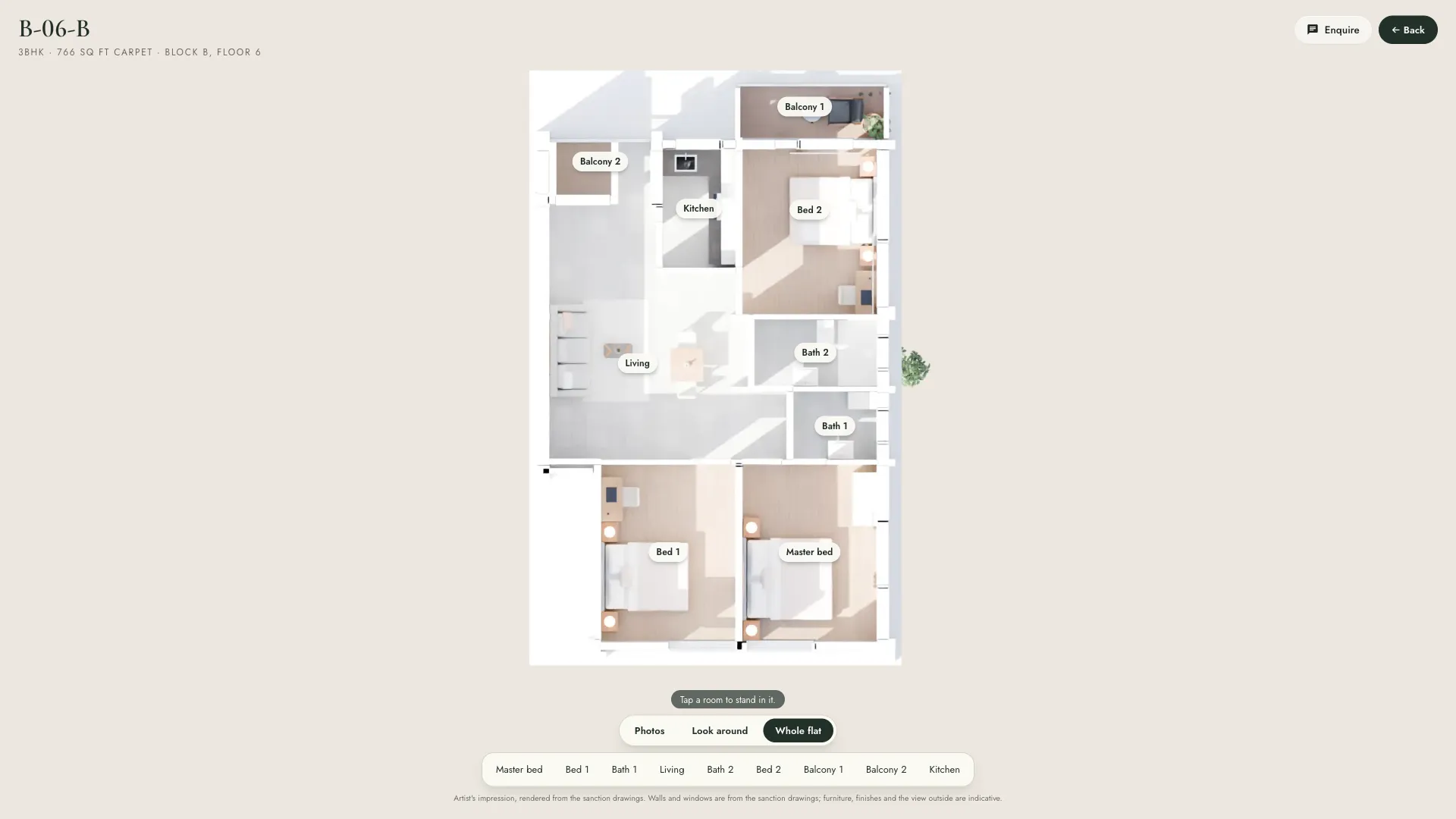
The whole flat, from the drawings
The plan comes straight from the CAD. Tap a room on the plan and you're standing in it.
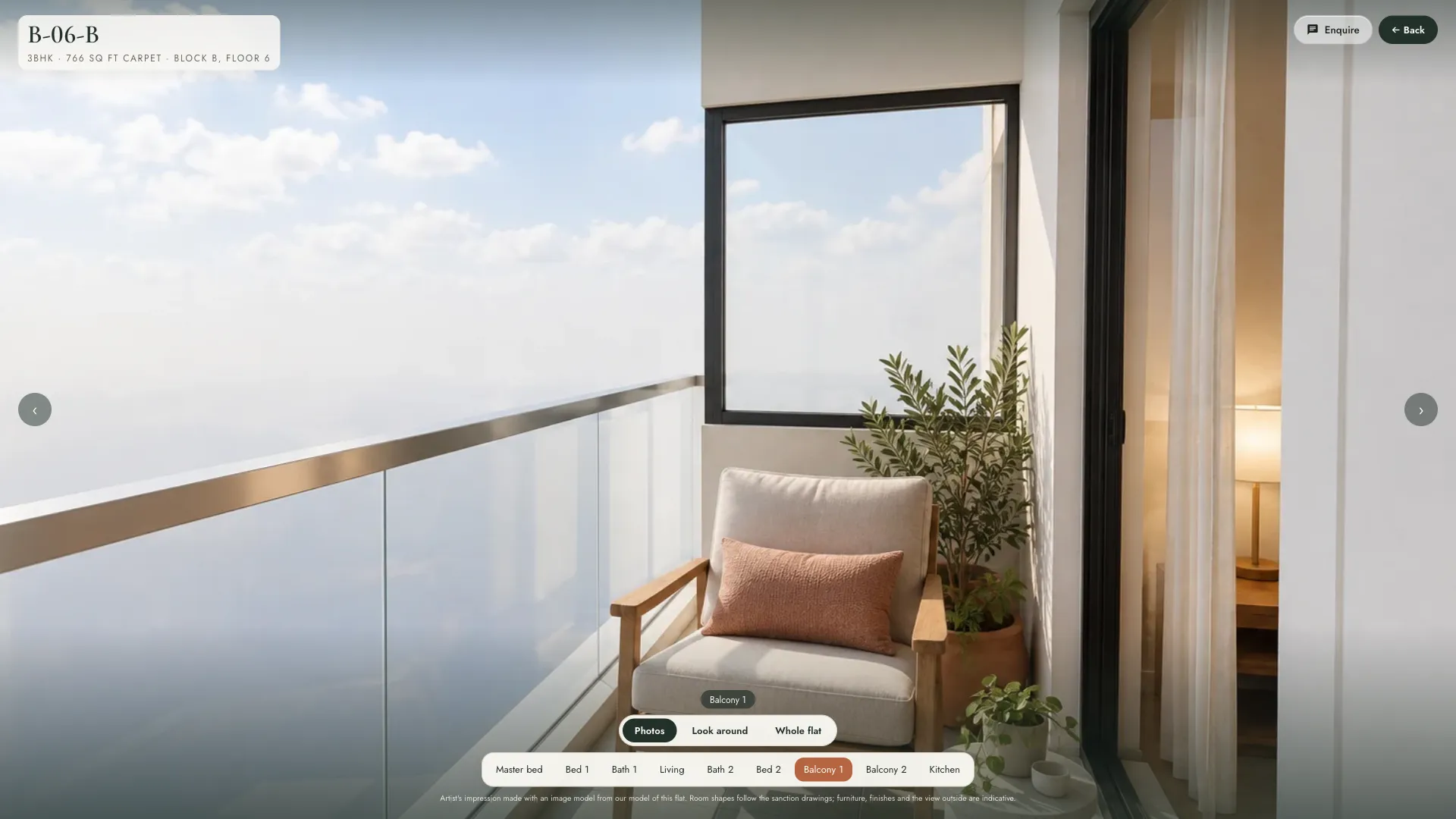 01Real height and facing
The view they're buying
The balcony looks out at the height and in the direction it really will, at the hour the buyer picks.
The real sun, at any hour
The model sits at the site's own latitude, turned to true north. Buyers pick the hour; the shadows fall where they will.


How it came together
From a drawing set to a link on WhatsApp.
- Step 1
Read the drawings
Every tower, floor and flat traced from the sanction set and checked against the area table.
- Step 2
Build the site
The towers, landscape and highway in 3D, set at the site's own latitude so the sun is right.
- Step 3
Render the rooms
Furnished interiors for each flat type, lit by the afternoon sun.
- Step 4
Share the link
One link for the sales team to send on WhatsApp, and a showroom mode for the site office.
From the same model
And the brochure came free with it.
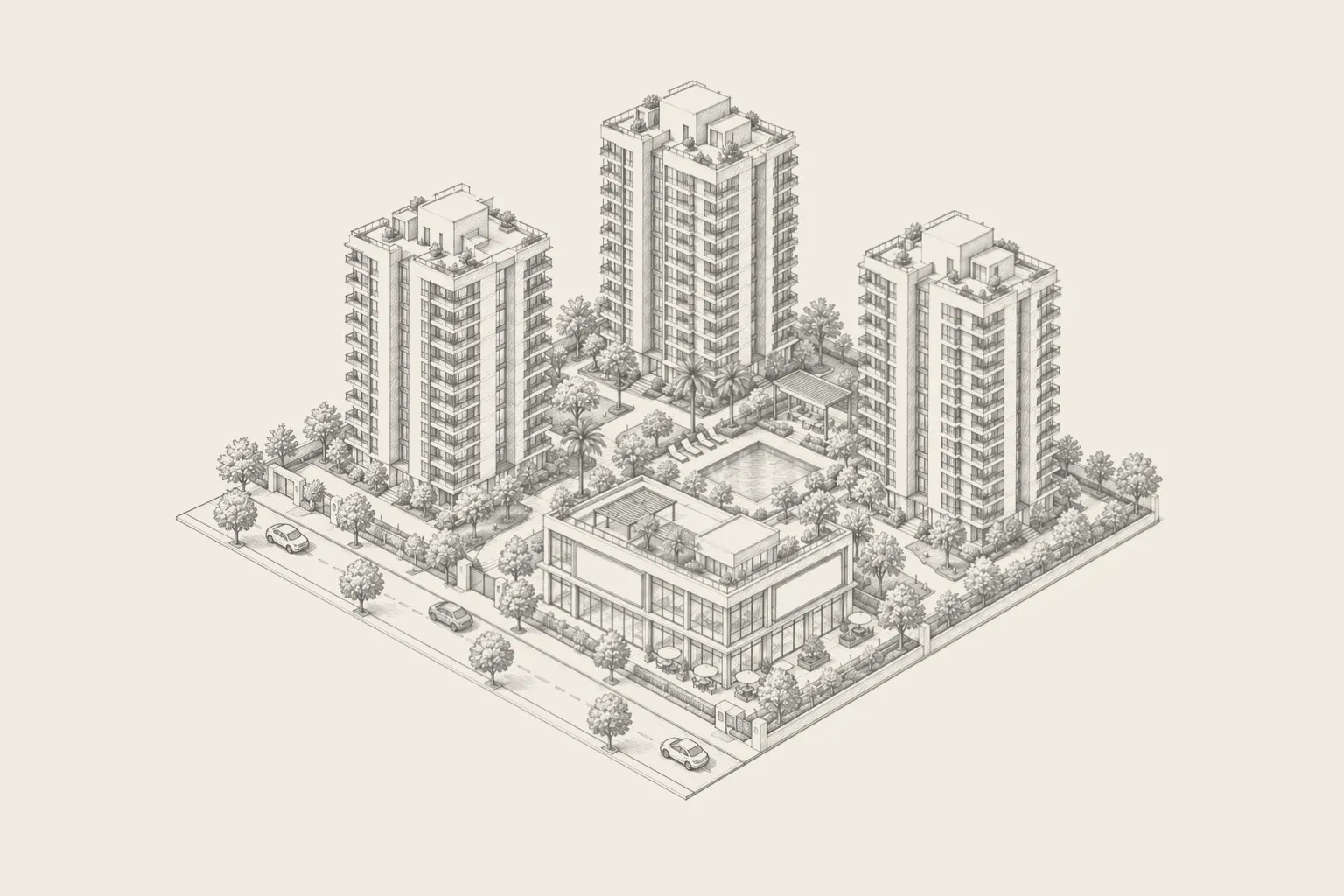
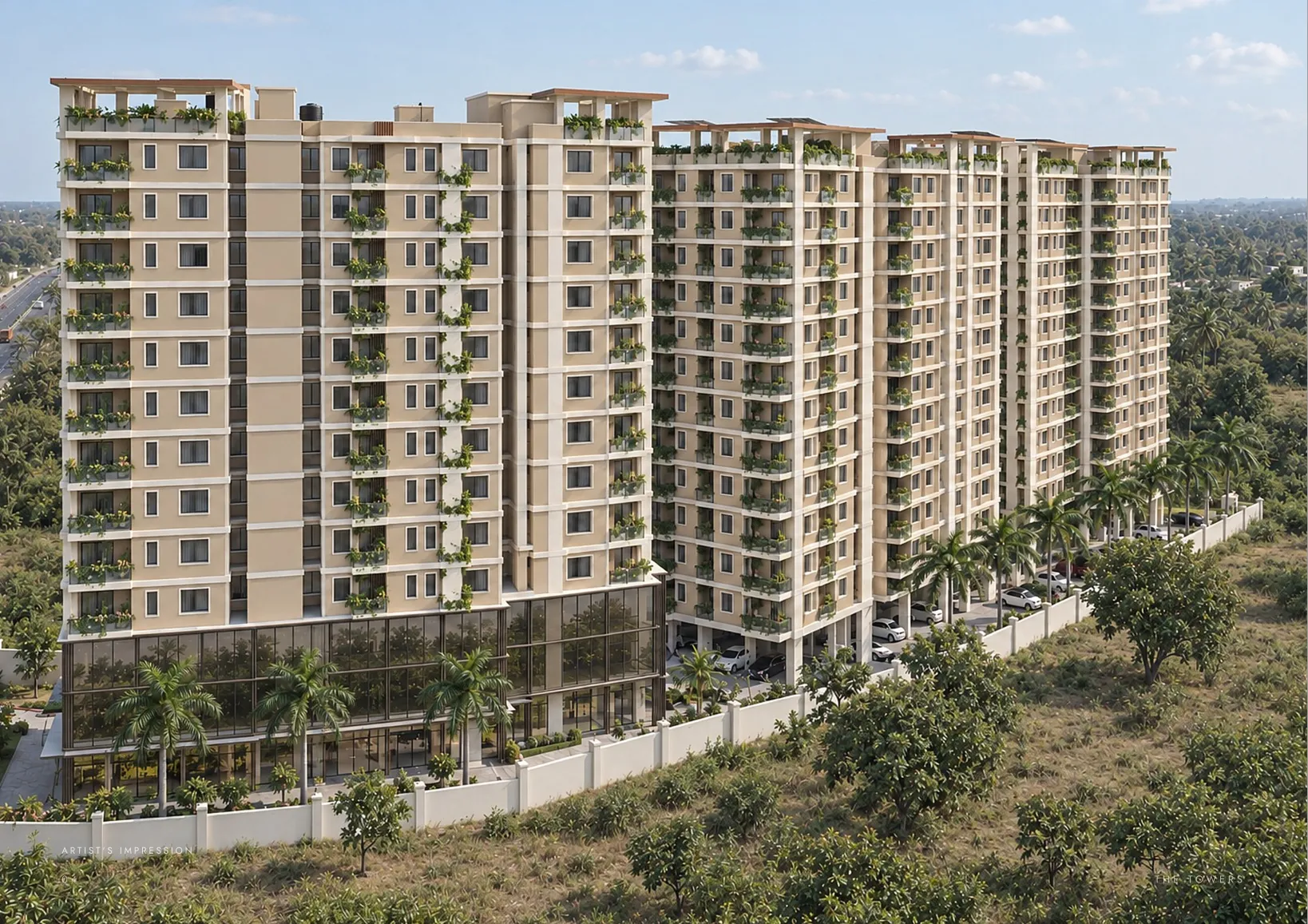
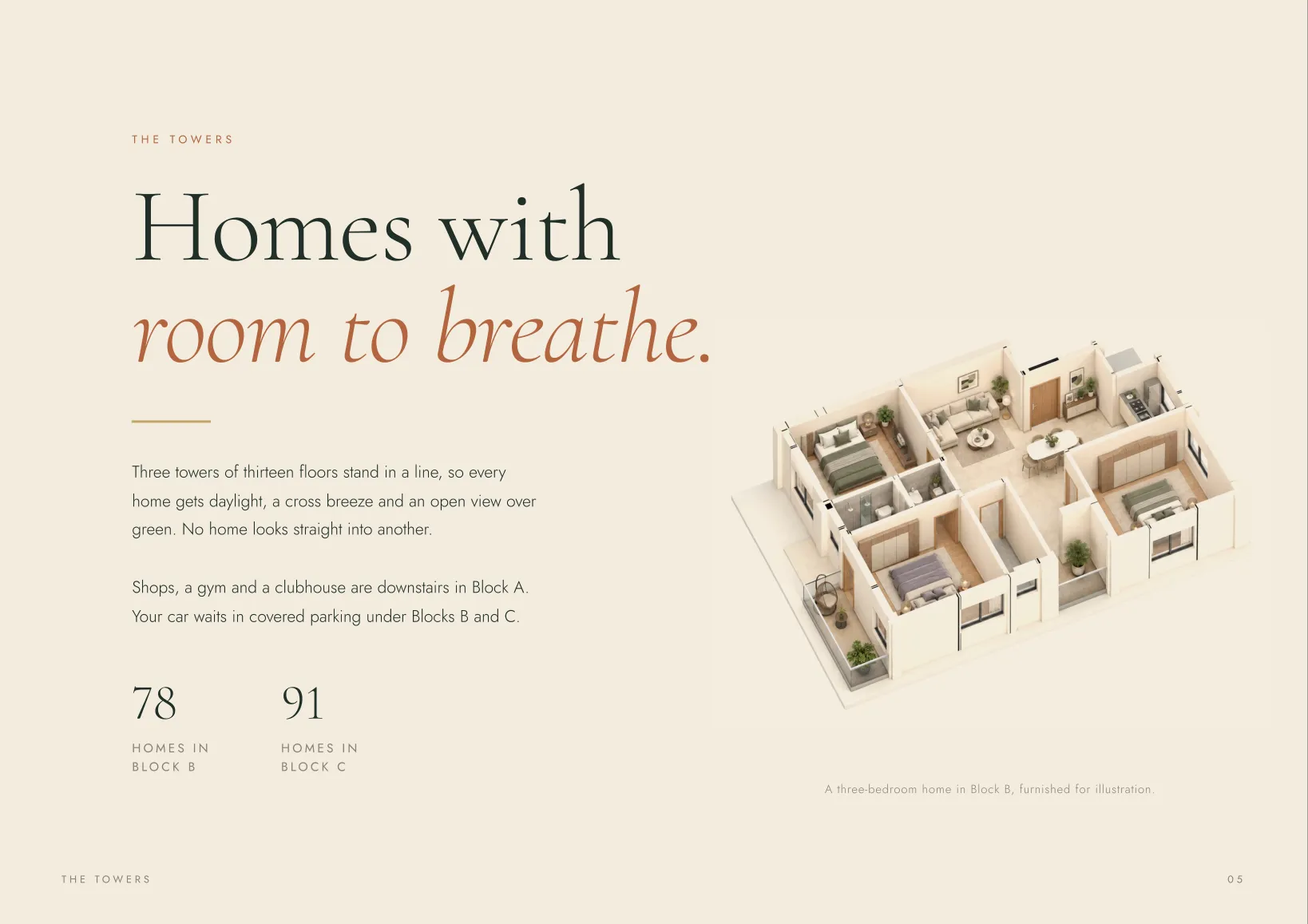
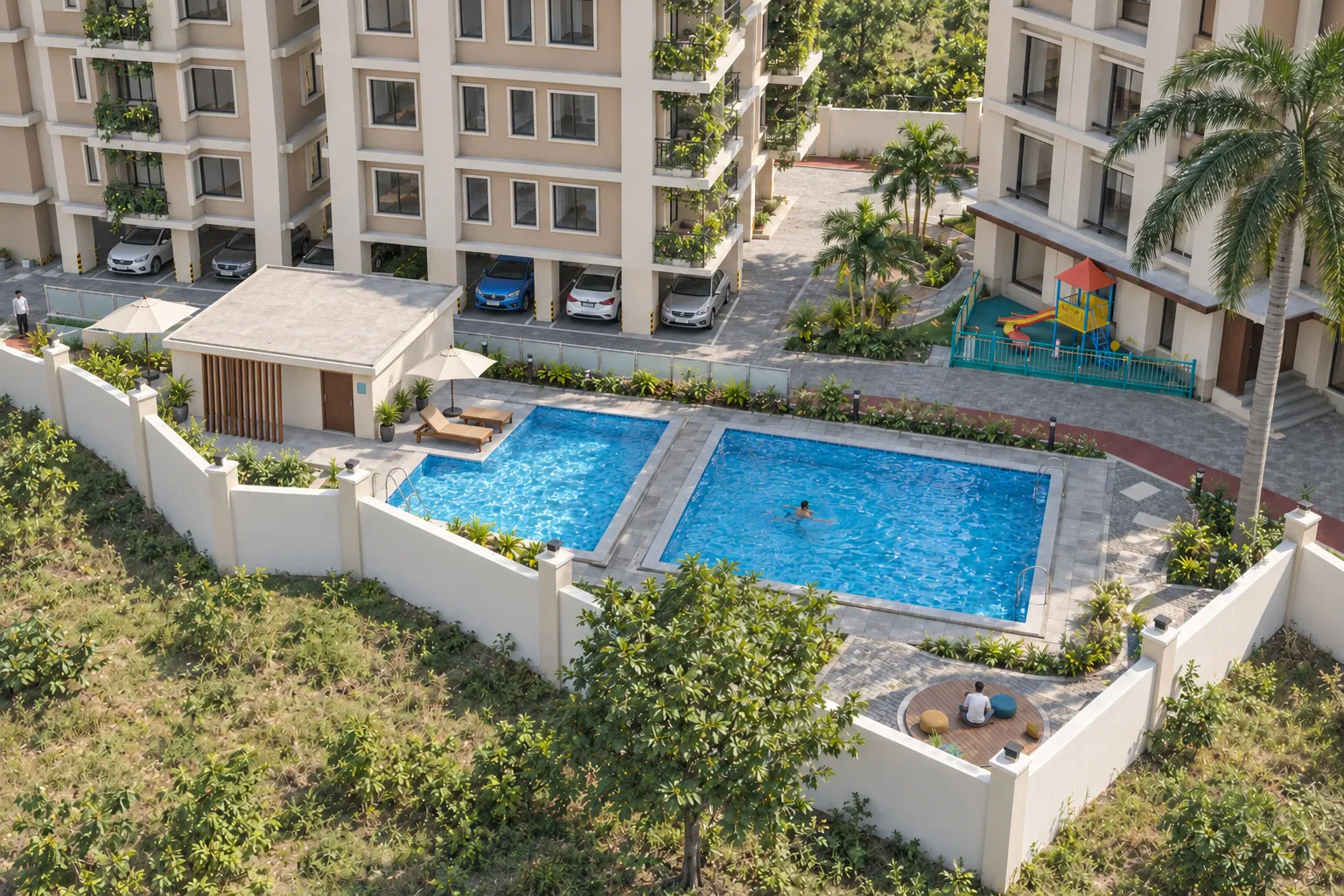
Once the building exists in 3D, every picture marketing needs is a camera angle away: print renders, flat cutaways, amenity shots and 360° rooms.


The same model can also